
Browser-based virtual rooms
Build lightweight WebGL rooms and evaluate WebGPU enhancements for supported devices. Translate a physical exhibition into a virtual counterpart with navigation that requires no installed app.
04.03 · Global Art & Culture
We build browser-based exhibitions with lightweight WebGL spaces, deep-zoom object views, audio interpretation, and parallel reading routes. The institution can maintain new stories and update approved collections through MaxWee MuseCloud after publication.
Give online audiences a way into the collection at their own pace.
Discuss this service ↗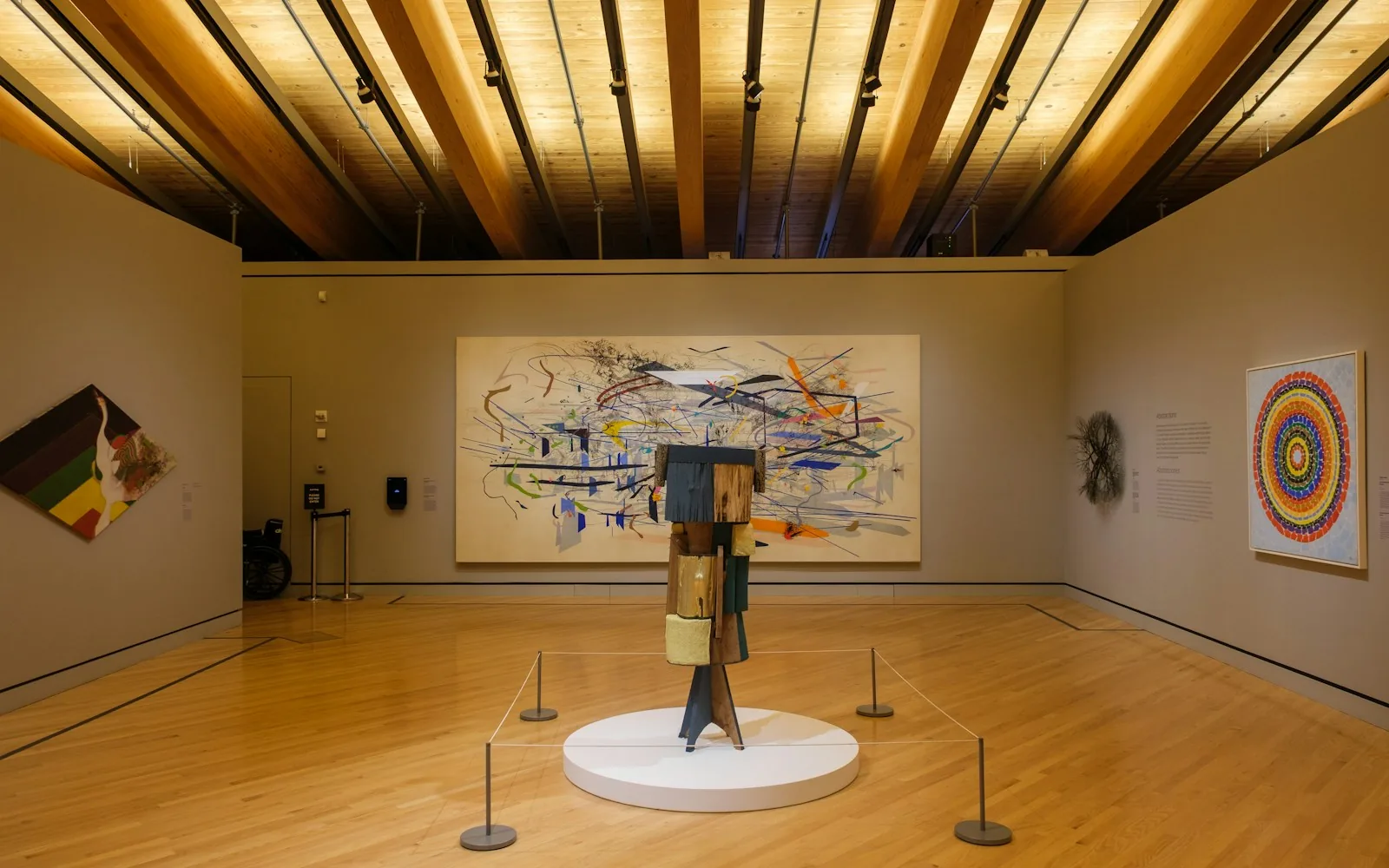 04.03
Remote production with jurisdiction-aware language, availability, and rights settings for agreed audiences.
Service scope
Build lightweight WebGL rooms and evaluate WebGPU enhancements for supported devices. Translate a physical exhibition into a virtual counterpart with navigation that requires no installed app.
Prepare tiled delivery for gigapixel-scale artwork where appropriate. Connect image regions to approved annotations, expert audio, and the collection record.
Translate the curatorial argument into reading chapters, interpretive timelines, discussion prompts, and materials for classroom or guided use.
Review the keyboard route, reduce-motion behavior, caption timing, and text view. Keep the exhibition interpretable when 3D rendering is unavailable.
Manage permissions and releases in MaxWee MuseCloud. Help editors use aggregate dwell-time heatmaps, audio engagement, and broad visit regions to adjust interpretation.
Implementation
Identify source images, audio, catalogue records, translations, and any restrictions on public reuse or geographical distribution.
Content inventory and release registerDefine entry routes, scene transitions, object hotspots, alternative reading, and accessible public education tasks.
Exhibition information architecture and storyboardBuild rooms and object viewers, then test bandwidth, mobile navigation, multilingual captions, and keyboard usability.
Reviewed exhibition and device acceptance recordsRelease approved assets after access checks, train editors, and document versioning, take-down dates, and the agreed reporting scope.
Live exhibition, editorial handbook, and analytics configurationFAQ
The exhibition runs in a supported browser. The acceptance plan includes mobile viewing, a lighter text route, and checks for the agreed device and browser range.
Yes. We can link separate approved audio and text tracks to the same collection identifier, then make each available from the relevant visitor route.
Agree on the online rights and the maintenance period before launch. Editorial roles, rights expiry, and any required take-down steps are recorded at handover.
Global Art & Culture
 04.01
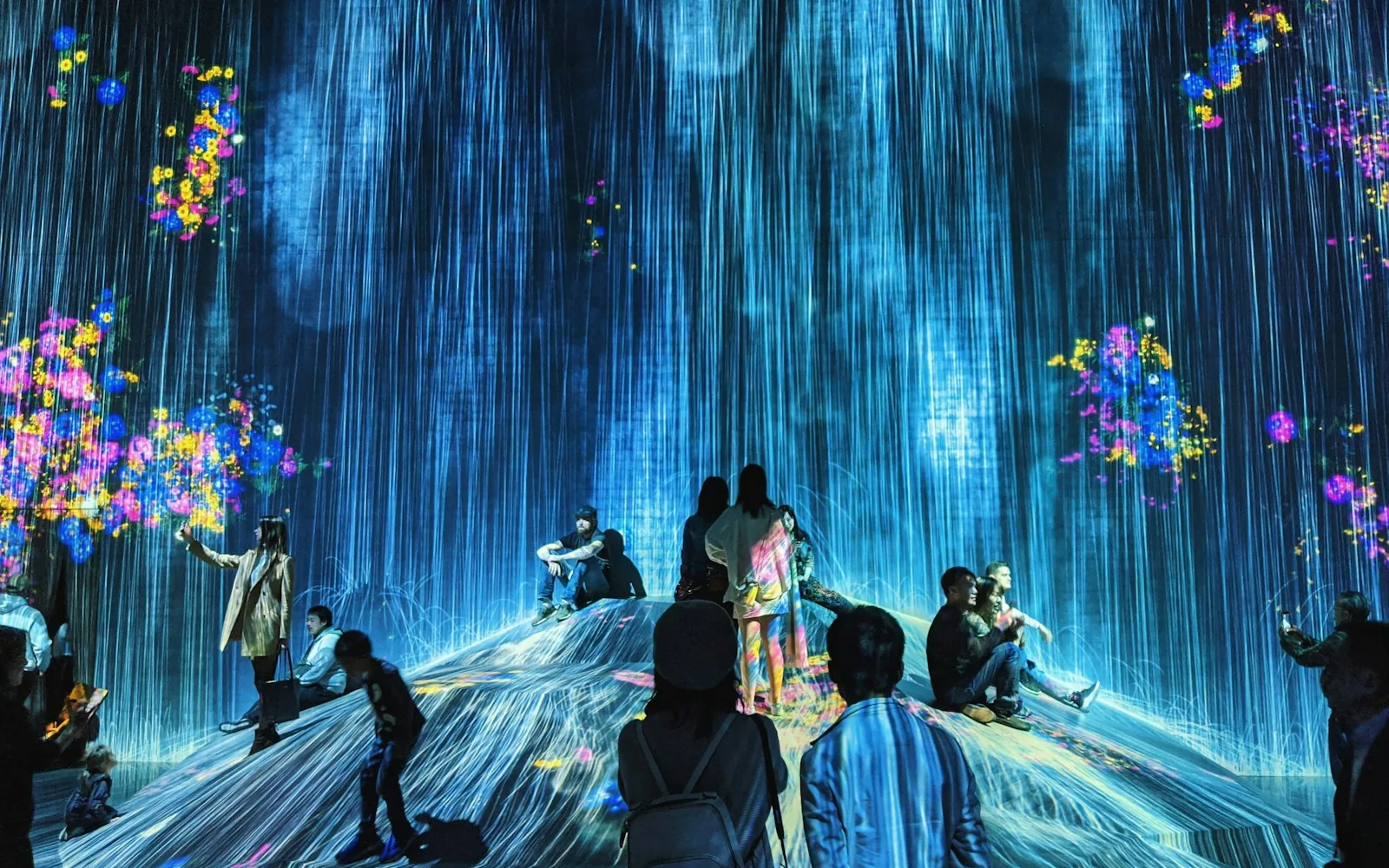
Make collection detail visible without adding handling risk.
 04.02
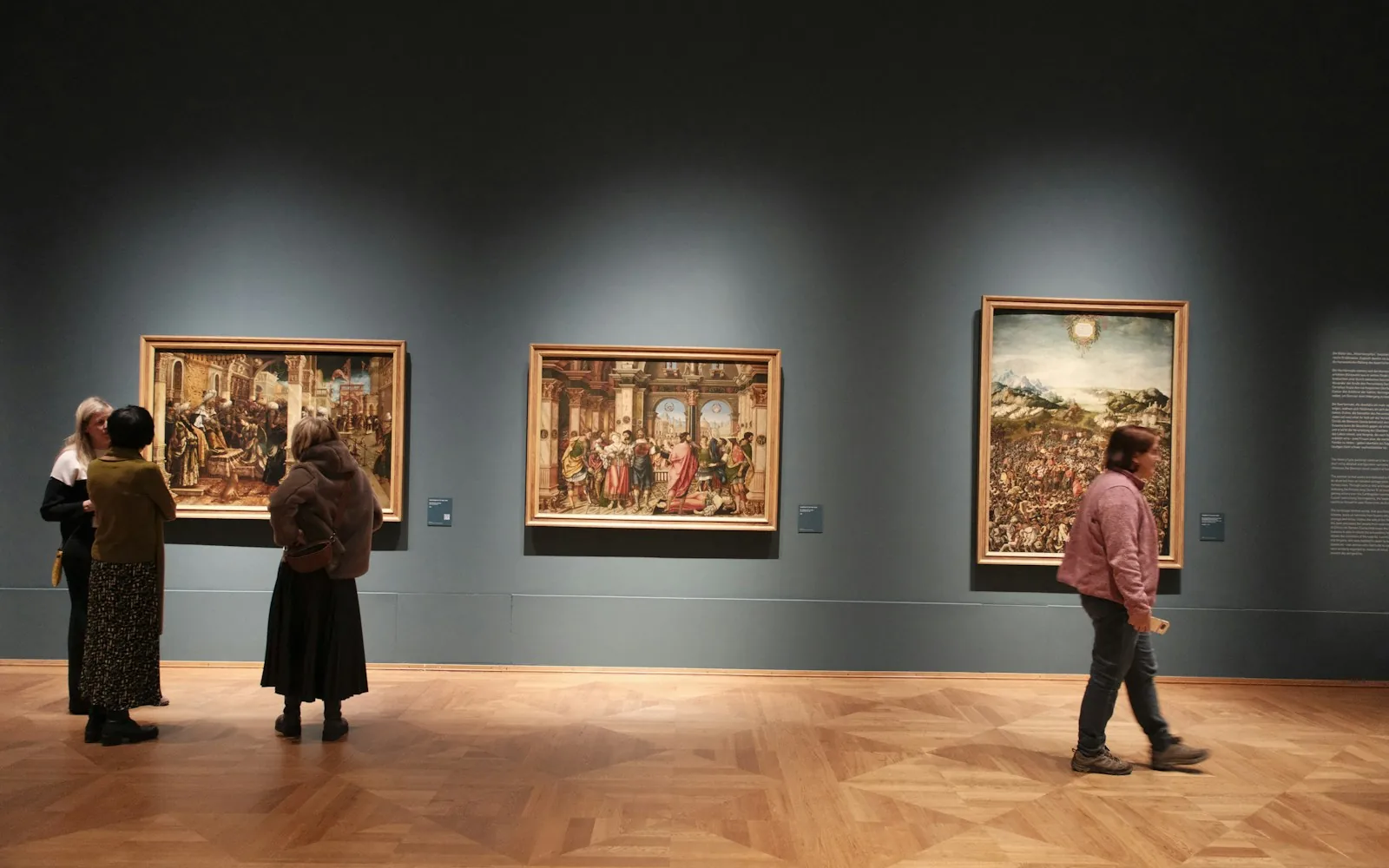
Carry one curatorial argument through every venue and collection handover.
 04.04
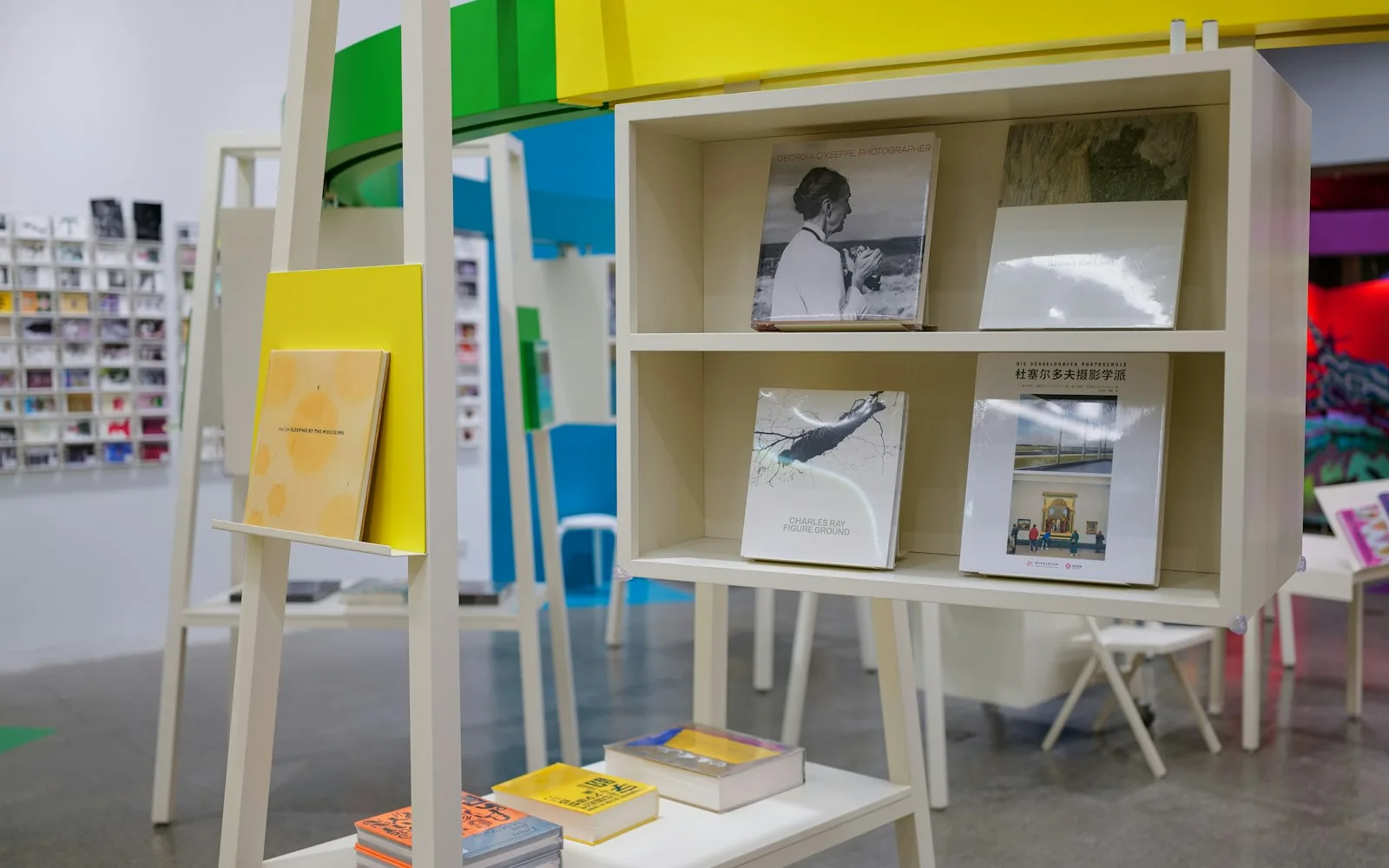
Publish scholarship that can travel from the gallery to bookshops and media.
Choose the division that best fits your project. The contact guide prepares a structured email for you to review and send.